Docker runs packaged applications in isolated containers through a friendly interface to a virtual machine. It provides a practical way to run ScyllaDB locally on systems that cannot run ScyllaDB directly. section 2.1
A Docker-based ScyllaDB setup uses named containers, a dedicated network, hostnames, detached execution, and port forwarding. These settings let several nodes communicate while remaining manageable from the command line. section 2.1.1
Launching a local cluster
Create scylla-network, then run containers named scylla-1, scylla-2, and scylla-3 with the ScyllaDB 5.4 image. Docker keeps them running in the background and exposes ports for later application connections. section 2.1.1
Docker supports the practical operations needed for the experiment:
- Create a private network so containers resolve one another by DNS names. section 2.1.1
- Inspect running containers with docker ps and follow startup output with docker logs. section 2.4.1 section 2.1.1
- Stop an individual container with docker stop to simulate a node failure. section 2.4.1
Figure 2.1 Launching three Scylla nodes in Docker containers lets you test a cluster on a local machine.
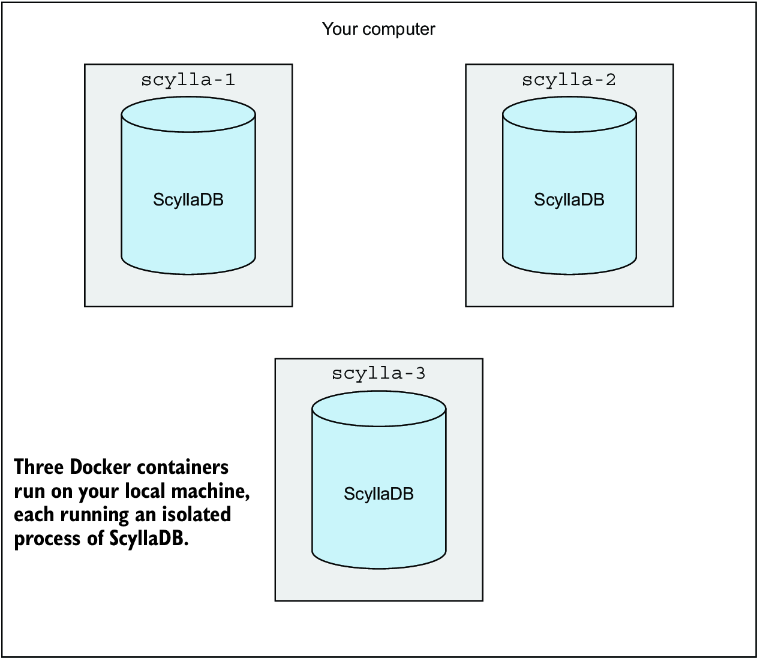
A figure shows three ScyllaDB nodes running as Docker containers on one local machine. section 2.1

























