A vector database stores numerical representations of content and retrieves stored items by conceptual similarity. In a retrieval-augmented generation (RAG) flow, a user question is converted into an embedding, compared with document embeddings, and used to select relevant text for an LLM. This differs from a conventional exact-keyword lookup: a question can retrieve related material even when its wording does not match the document exactly. section 1.0
The database is a retrieval component, not the answer generator. Its result becomes context alongside the user question and prompt; the LLM then produces the response. A basic setup can work for simple requests, but business use can fail when queries are complex, data is large, information changes, or the wrong content is retrieved. Production-oriented RAG therefore treats retrieval accuracy and efficiency as system concerns rather than assuming nearest-looking content is sufficient. section 1.0
A usable vector-database workflow depends on preparing content before search:
- Extract text from source documents, such as PDF manuals, before making it searchable. section 1.5
- Split extracted text into logically meaningful chunks by headings, paragraphs, or word counts; oversized unstructured documents can waste tokens and lead to poor answers. section 1.5
- Embed the prepared content and search it when a question arrives, so relevant chunks can be supplied to the language model. section 1.5
- Combine retrieved data with the prompt and question, then generate an answer from that context. section 1.0
Searching product manuals
An electronics retailer may hold hundreds of user manuals covering products and variations. Questions such as “What is the battery life of XM5 headphones?” or “What is the warranty period of the MegaCorp hair dryer?” require locating a small, relevant part of those manuals. Preprocess each PDF into meaningful chunks, embed the chunks for similarity search, retrieve the relevant content, and let the LLM summarize it into an answer. section 1.5
Figure 1.8 Enterprise RAG system architecture showing ingestion, retrieval, and generation steps. Raw data is preprocessed, embedded, and searched to deliver accurate, context-aware answers.
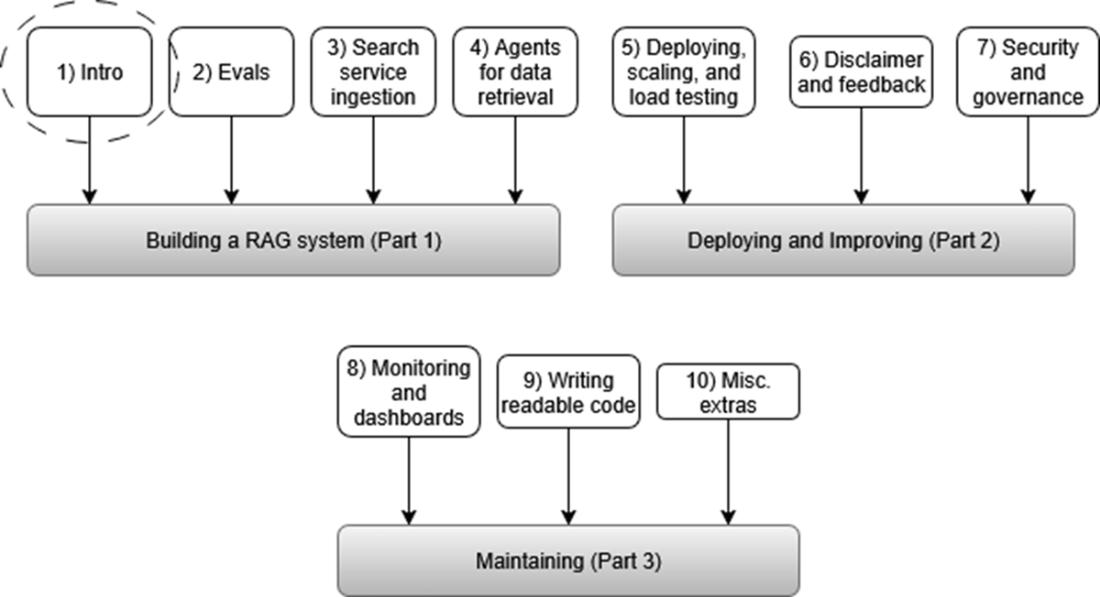
Use the architecture view to place the vector database between ingestion and generation: raw data is preprocessed and embedded, then searched to provide context-aware answers. section 1.5