A container is a lightweight, isolated environment for running an application with its dependencies, including libraries, binaries, and configuration. Packaging these together helps the application run consistently on a developer’s machine, in testing, and in production. section 2.1
Docker containers share the host operating system kernel rather than installing a full operating system for each instance. Linux namespaces and cgroups provide isolation, so containers do not interfere with one another or the host. Compared with virtual machines, this approach reduces resource use and startup time. section 2.1
To use containers as application infrastructure:
- Start with a Docker image: a template containing the application code and what it needs to run. section 2.1
- Add the container to an Aspire app host using its native methods; use extension methods for additional configuration. section 2.8
- Pass URLs resolved from Aspire-hosted apps into containers as environment variables, or connect Aspire to an externally hosted container. section 2.8
Infrastructure for an online shop
A Keycloak Docker container can provide identity infrastructure for single sign-on. Redis is another infrastructure component, but it can be added through a prebuilt Aspire integration instead of configuring a raw container. Integrations wrap containers or managed-resource references and simplify setup. section 2.0 section 2.8
Figure 2.1 Docker container structure
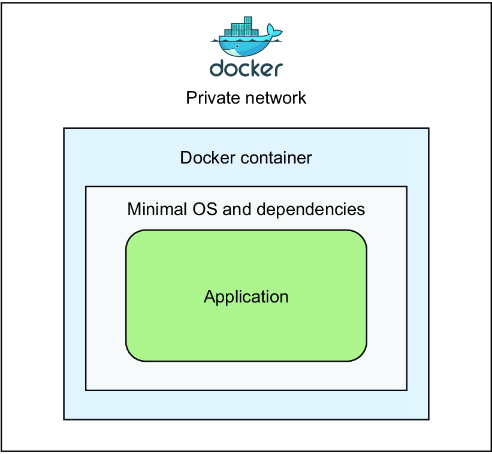
Use the container-structure figure to visualize the packaged application and dependencies described here. section 2.1


























